Video Slow Motion Editor1.21
Publisher Description
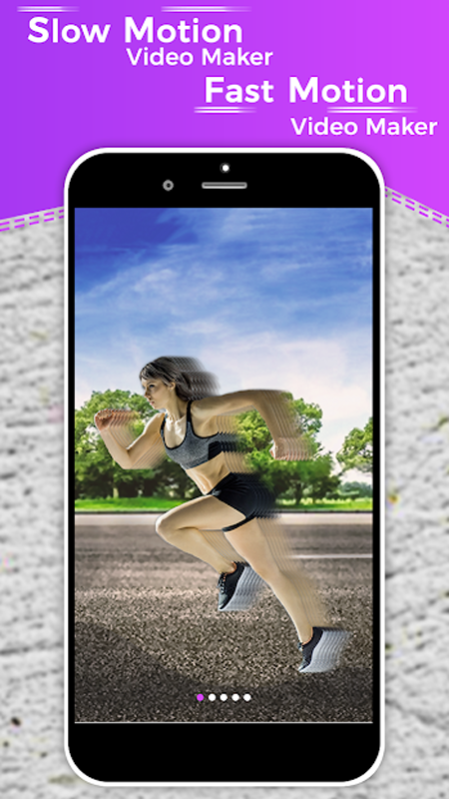

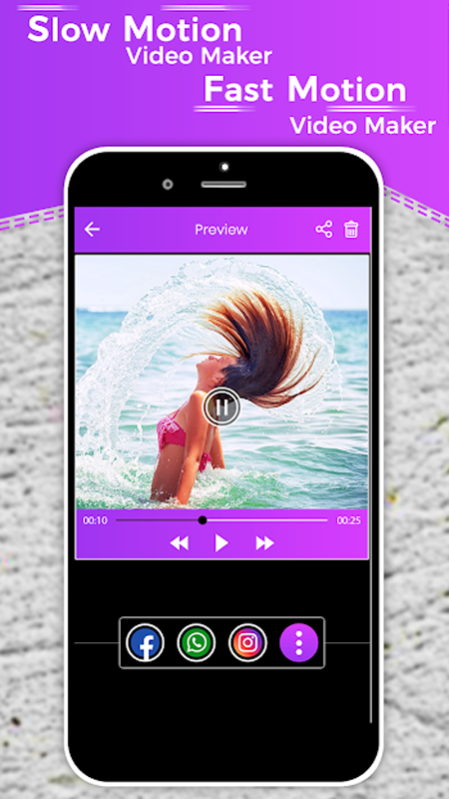
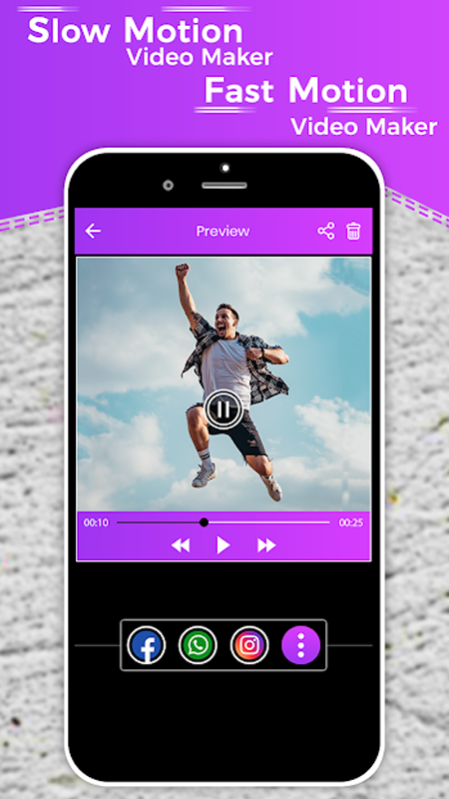
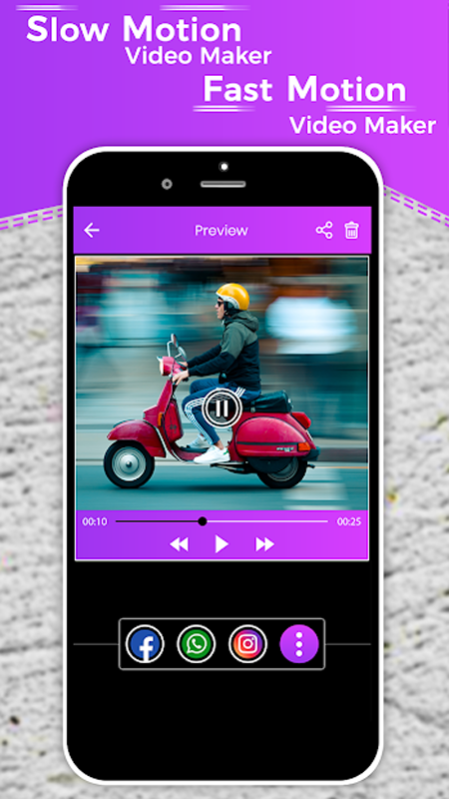
Wanna surprise friends and family members? Reverse slow motion Video maker, Slow+fast+slow has many feature to do so!
Edit Videos Like a Pro! with free slow motion video Editor and maker.
Instantly transform an everyday moment into a creative slow motion/ reverse video with awesome visual/video effects.Slow Motion/ slow-mo reverse video maker with music & slow motion pro video editor is a free application to create your own unique and eye-catching videos/vlog. Make impressive videos easily with video cropper to become a video star and talented video director/creator on all social media platforms.
Professional Slow Motion Video Editor with Advanced Video Editing Tools:
Create captivating mini or long videos that loop back and forth with video editor, then share them with friends. Add reverse videos from gallery or take a selfie Slowfie /slow motion selfie ; or switch to the back-facing camera to record someone or something moving and watch the magic happen. Make your videos or movies more artistic. Edit reverse videos with the available features or save it as it is; and then share it with friends right from the app or later from your phone gallery. slow motion video cropper video maker makes every moment fun and magical. Reverse effect video maker
Slow Motion Reverse Video Effect/Reverse Video Recorder / Slow-mo + Fast rewind Video:
Use fast motion rewind/slow motion (slo mo) to adjust and control the speed of every video clip. Video Maker also provide reverse video & video playback function to make funny and creative original videos, romantic love video & unique vlogs. Use video to GIF maker features to create entertaining and incredible loop videos.
Movie editor, video cropper & movie maker offers Unique Features:
Cut/crop videos, Try amazing filter effects to give extra ordinary video effects & video editing. Add fancy text on loop videos with variety of color filters, font and text styles. forward, reverse video, reverse forward video or in a never ending sequence. slow motion video maker - Reverse video Editor & maker provides you many tools for editing videos and it’s very user friendly.
Music to video, Emoji’s/stickers, Video Filters and Fx Effects:
Add music of your own choice from phone’s storage to make slow motion (slo mo) video loop more entertaining and musical. Try beautiful movie style video filters and FX effects to reverse video. Various GIF/cute stickers/emoji theme/sticker gallery free for you to use in video editor.
Slow Motion video maker: Reverse Video Maker, Editor, Effects FEATURES:
Slo mo, fast forward, reverse video effects
Fast motion(like timelapse) video maker/ video editor
Add your favorite music on video
Video cropper/Cut/trim videos
Variety of text//font styles and emoji’s
All popular Slow Motion/ Slow-mo formats are supported: AVI, 3GP, MKV, TS, MPG, MOV, MP4, WMV and more
HD quality reverse video
Easy to use with a wide variety of functions which are always improving
Save and share slo-mo on social networks
About Video Slow Motion Editor
The company that develops Video Slow Motion Editor is Haitam Baid. The latest version released by its developer is 1.21.
To install Video Slow Motion Editor on your Huawei device, just click the green Continue To App button above to start the installation process. The app is listed on our website since 2020-07-13 and was downloaded 3 times. We have already checked if the download link is safe, however for your own protection we recommend that you scan the downloaded app with your antivirus. Your antivirus may detect the Video Slow Motion Editor as malware as malware if the download link to C102548459 is broken.
How to install Video Slow Motion Editor on your Huawei device:
- Click on the Continue To App button on our website. This will redirect you to Huawei Store.
- Once the Video Slow Motion Editor is shown in the Huawei Store listing of your Huawei device, you can start its download and installation. Tap on the Install button located below the search bar and to the right of the app icon.
- A pop-up window with the permissions required by Video Slow Motion Editor will be shown. Click on Accept to continue the process.
- Video Slow Motion Editor will be downloaded onto your device, displaying a progress. Once the download completes, the installation will start and you'll get a notification after the installation is finished.
